AI Assistant
The AI Assistant is an experimental feature and is under active development.
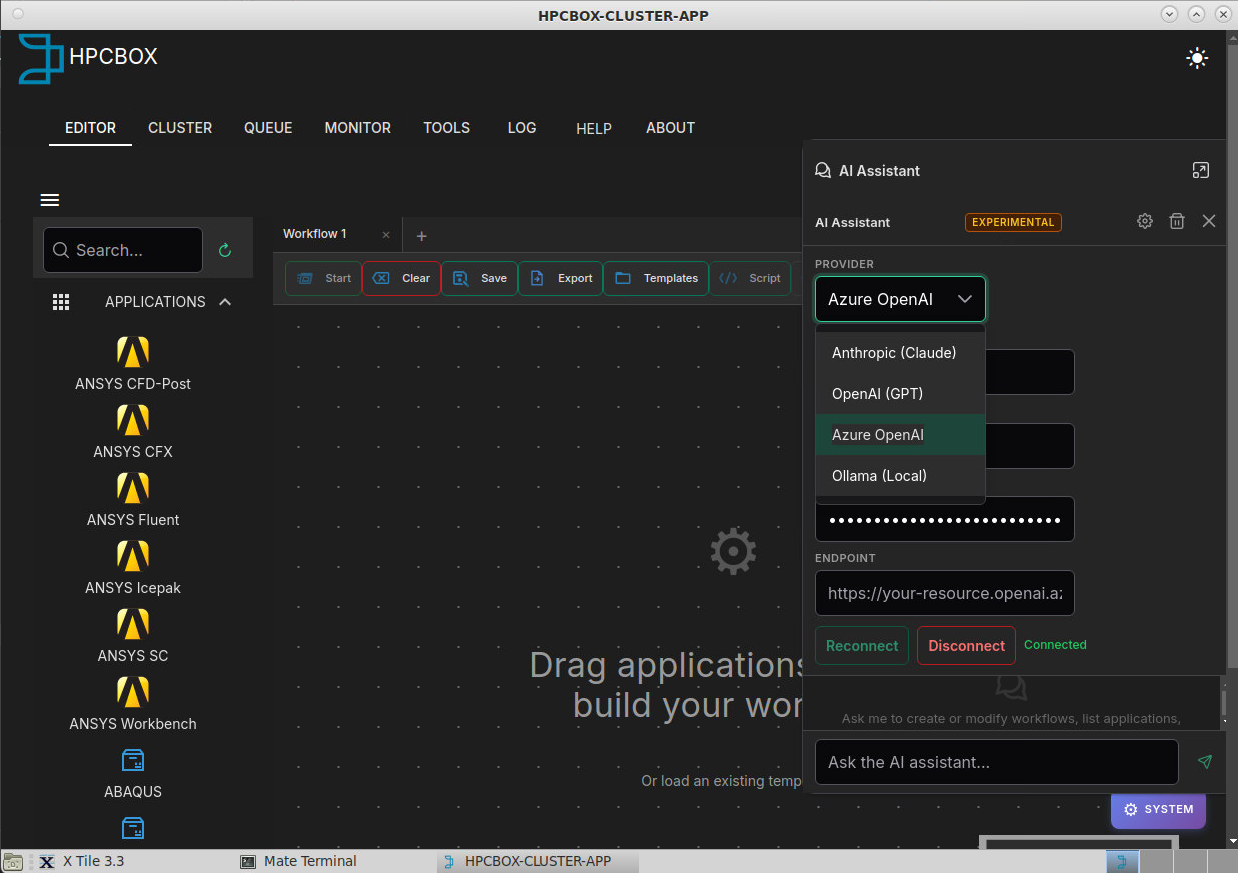
The HPCBOX AI Assistant is an embedded chat panel in the workflow editor that helps you create and modify workflows using natural language. Instead of manually dragging steps, configuring options, and drawing connections, you can describe what you want and the assistant builds it for you.
How It Works
The AI Assistant understands the HPCBOX workflow format and has access to all available HPC applications on your cluster. When you send a message, it:
- Reads the list of available applications and their configurable options
- Builds a valid workflow JSON with the correct step configurations, flowchart nodes, and connections
- Validates the workflow structure
- Saves it to your workflows directory
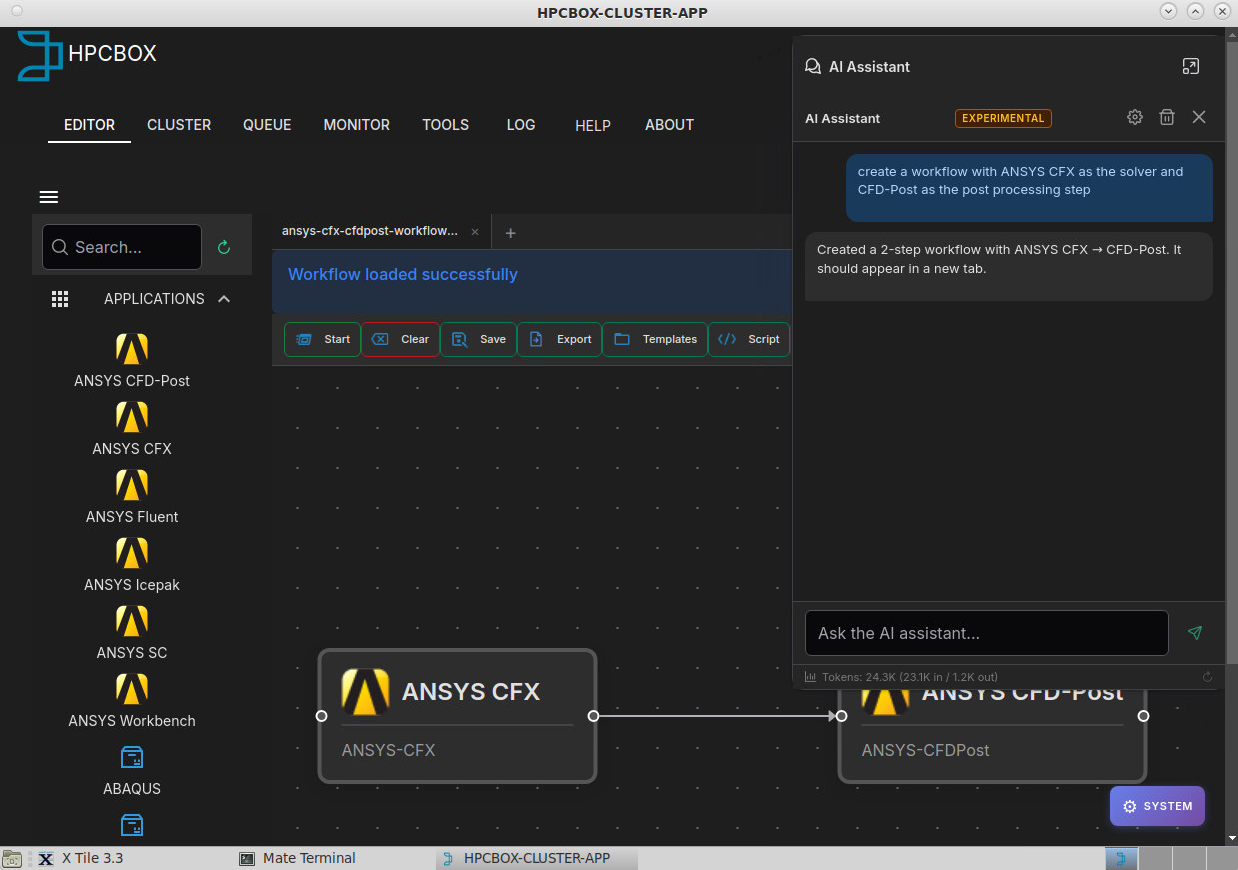
The workflow appears automatically in the editor, ready for you to review, adjust, and run.
Capabilities
Create Workflows from Descriptions
Describe your simulation pipeline in plain language:
"Create an OpenFOAM workflow with blockMesh for meshing and simpleFoam as the solver, using 8 CPU cores"
The assistant creates the complete workflow with properly configured steps, connections, and options.
Modify Existing Workflows
With a workflow open in the editor, ask the assistant to update it:
"Add a decision step after the solver and set up mailer steps for success and failure notifications"
The assistant reads the current workflow, adds the requested steps, updates the connections, and saves the changes. The editor reloads automatically.
Context-Aware
The assistant knows which workflow file you have open in the editor and operates on it directly. No need to specify file paths or workflow names.
Live Status Updates
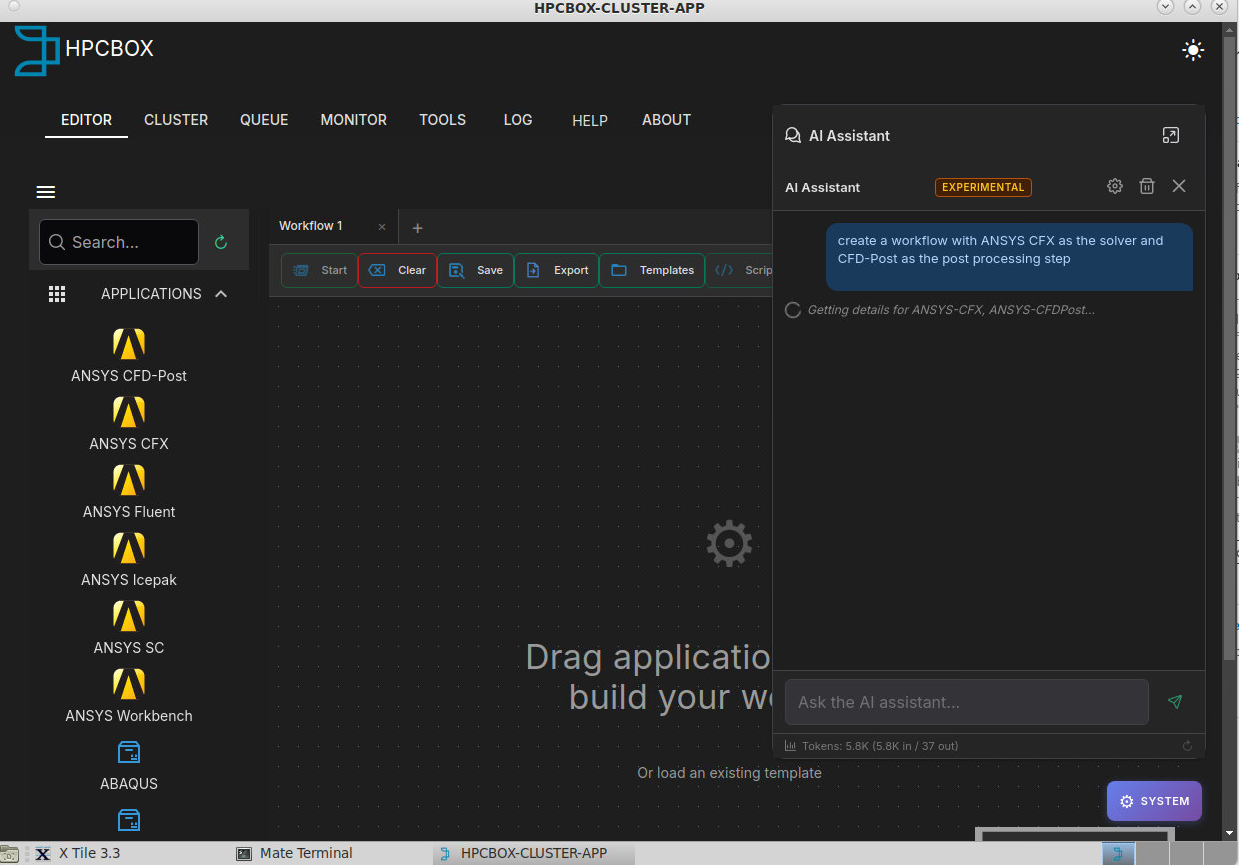
While processing your request, the assistant shows real-time status messages indicating which tools it's using (listing applications, validating the workflow, etc.).
Token Usage Tracking
The assistant displays input and output token counts, so you can monitor API usage. A reset button lets you clear the counter at any time.
Supported LLM Providers
The assistant supports multiple AI providers. Select your preferred provider in the connection settings:
| Provider | Models | Notes |
|---|---|---|
| Anthropic | Claude Sonnet, Claude Haiku, etc. | Recommended for best tool-calling accuracy |
| OpenAI | GPT-4o, GPT-4.1, etc. | Good alternative |
| Azure OpenAI | Any model deployed in Azure AI Foundry | Enterprise option — data stays in your Azure tenant |
| Ollama | Llama, Mistral, etc. | Local models — no data leaves the machine |
You provide your own API key. HPCBOX does not store or transmit keys beyond the current session.
Privacy
The assistant only sends workflow metadata to the LLM provider — application names, step configurations, option values (core counts, file paths, etc.), and flowchart structure. It does not send simulation data, input files, result files, or any data from the cluster filesystem.
For maximum privacy, use Ollama with a locally hosted model, or Azure OpenAI to keep data within your organization's Azure tenant.
See the Data Privacy section for more details.