Activating HPCBOX
Although HPCBOX is generally deployed from Cloud Marketplaces like Azure Marketplace and Google Cloud Marketplace, it requires a one time activation to keep getting updates and support. Furthermore, a default HPCBOX cluster deployment includes 10 user entitlements for simultaneous use. In case more users are required, please let us know about this during the Activation process. Additional users, may incur an additional charge.
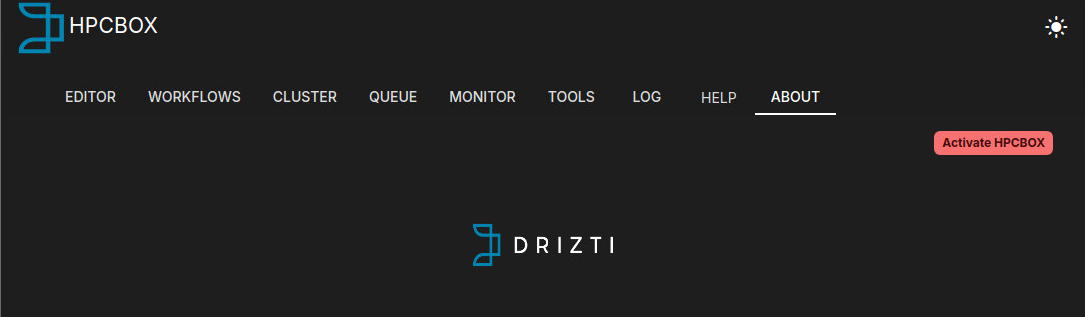
HPCBOX ClusterApp will display the status of Activation upon start. FOr example, the screenshot below shows an HPCBOX cluster which has not yet been activated.
Gather information
To activate your deployment of HPCBOX, gather the following information and contact HPCBOX Support, either by registering on https://portal.hpcbox.com, or, directly emailing us at boxhelp[at]drizti.com.
For Microsoft Azure
For a deployment on Microsoft Azure, we need:
- Your Azure subscription ID
- Your Company name
- Your contact email
- Number of expected active users on the HPCBOX Cluster
For Google Cloud
For a deployment on Google Cloud, we need:
- Your Google Cloud Project ID (Not Name!)
- Your Company name
- Your contact email
- Number of expected active users on the HPCBOX Cluster
Once we receive this information, you will receive an activation file.
Activation process
Once you receive the Activation file, place it in /opt/drz/apps/hpcbox/etc on the cluster and restart the HPCBOX Cluster service using /etc/init.d/HPCBoxClusterControl restart
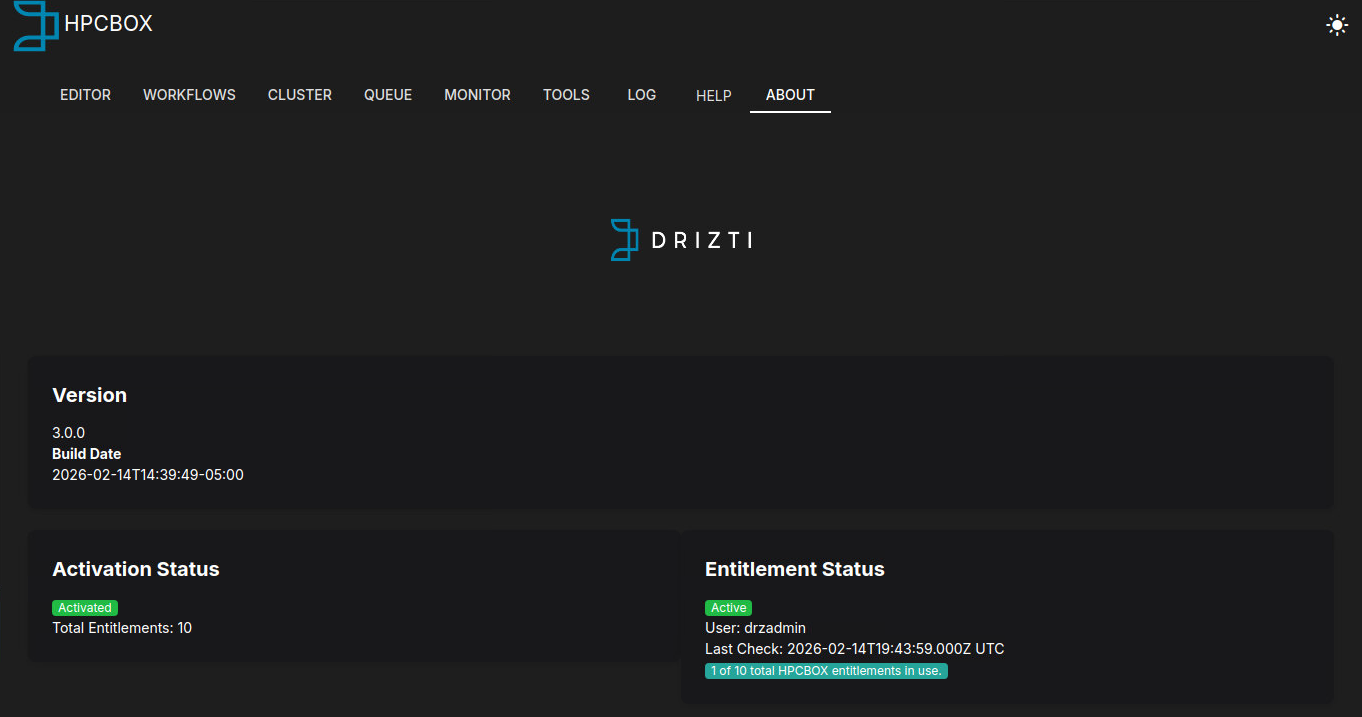
HPCBOX ClusterApp will update the activation status once you close and restart the application.
Adding local users
HPCBOX Clusters use NIS by default and local users can be added to your HPCBOX cluster from the head/management node. To add users and set an initial password:
Change USER below to the name of the user you want to create.
sudo -i
cd /var/yp
useradd -m -d /data/home/USER USER
passwd USER
make
exit