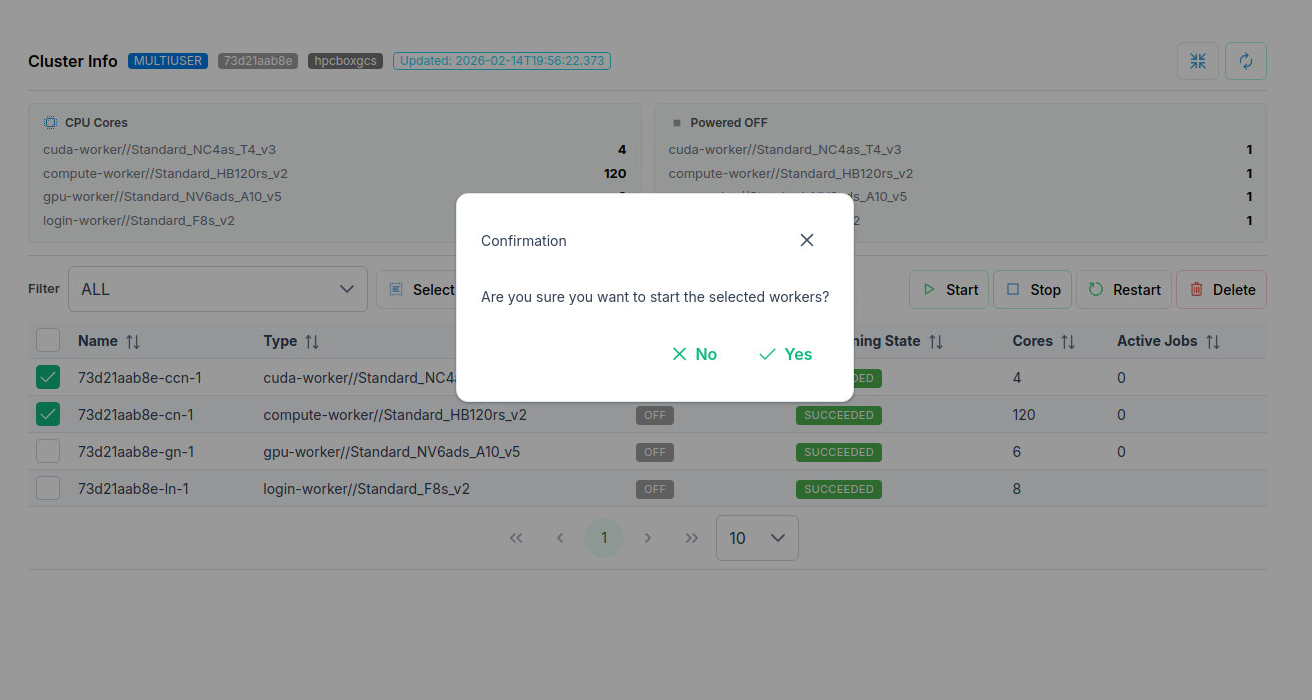
Cluster Information
Information about the cluster, its flavor, status and member workers along with their status and types are shown in the Cluster section of the HPCBOX Cluster APP.
An example below shows a Demo cluster with 2 compute workers and 1 GPU worker, all in the Powered OFF state.
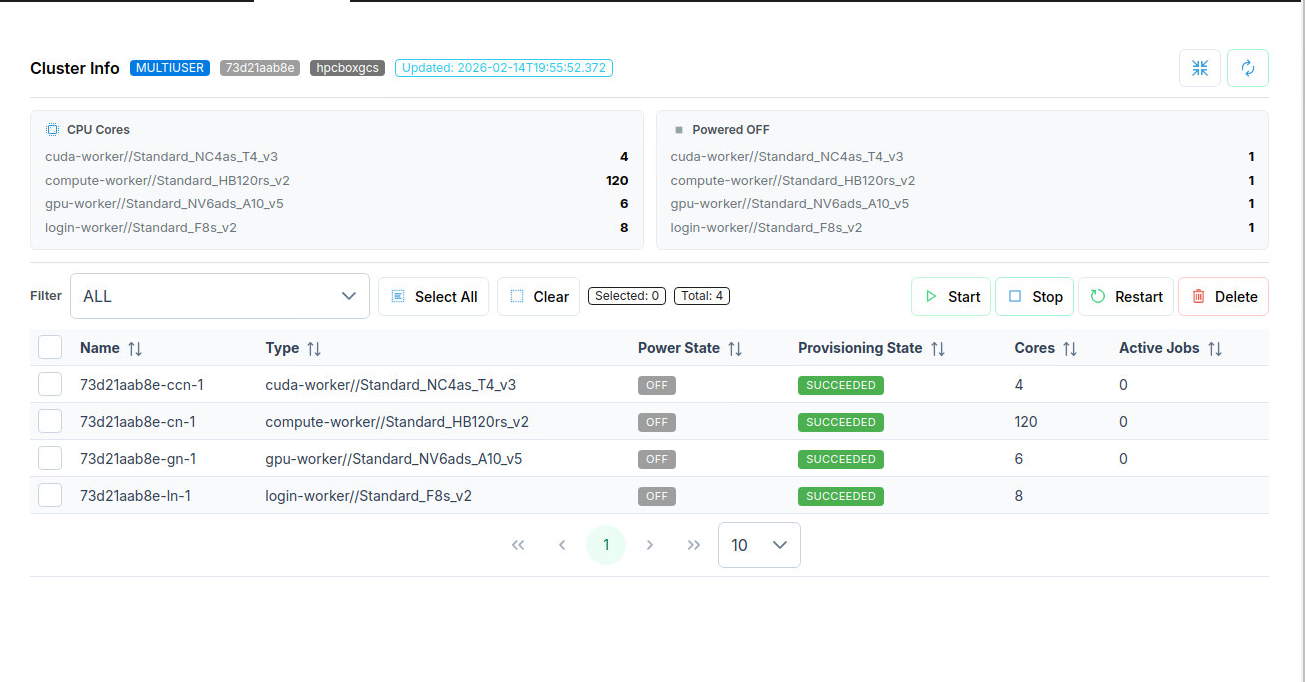
The task bar in the Workers section can be used to individually control start/stop/restart/delete operations on selected worker nodes. The last two columns display the number of active jobs scheduled through the queue system on the node and whether a node is in use.
Note that, once an operation is started, you must wait till it completes to avoid putting the cluster in a stale state. When starting compute workers which are on an RDMA network, you will be provided with an option to run an RDMA test after the workers are started. It is recommended that you check this box when prompted.