Cluster Operations
A variety of cluster operations can be performed using the GUI on an HPCBOX cluster. Some of these operations are only available to an Administrator, i.e a user who has login access to the HPCBOX Management Node.
Shutdown Cluster
Use the shutdown button to shut down all the cluster workers and the head node.
This operation is available only to an Administrator who can access the HPCBOX cluster Head/Management Node.
All jobs which are currently executing on the cluster will be terminated.
Restart Workers
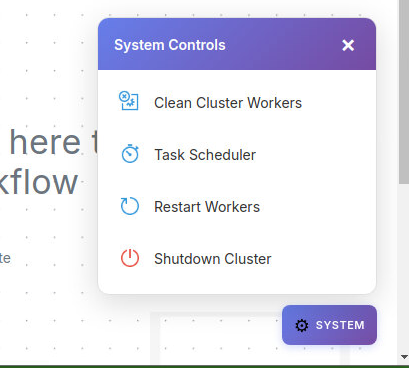
Use the restart button to restart all the cluster workers. This operation is useful when cluster workers become unresponsive to hardware and/or other outages.
This operation is available only to an Administrator who can access the HPCBOX cluster Head/Management Node.
All jobs which are currently executing on the cluster will be terminated.
Task Scheduler
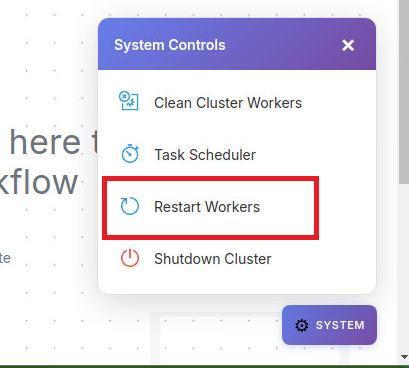
The task scheduler can be used to schedule tasks to be run at a specific time on the cluster. As of this release, two tasks, Shutdown Cluster and Worker Power OFF are available for set up. The scheduler can be invoked by using the Task Scheduler button.
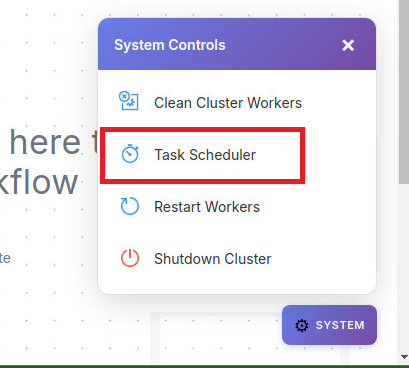
A shutdown task can be scheduled to run after a certain number of hours with the scheduler UI.
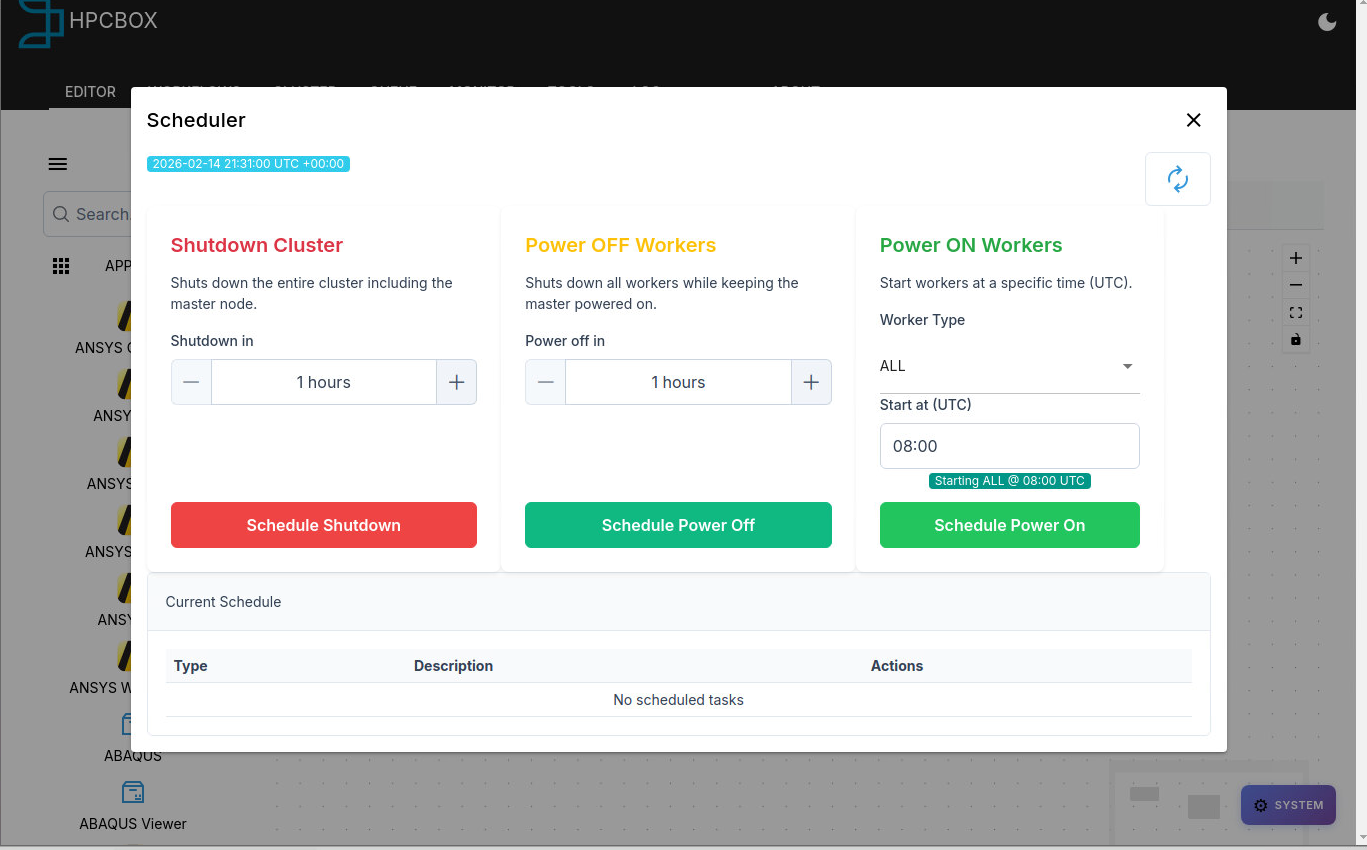
A clock is displayed in the UI and one must consider the timezone when setting the schedule.
Scheduled tasks can be deleted using the x button in the current schedule list.
Scheduled tasks will survive cluster reboots until the scheduled time has passed.
A notification at the top of the Application list and at the top of the Cluster Info page indicate if any tasks have been currently scheduled on the HPCBOX cluster.
The red bell indicates tasks are currently scheduled to be run later.

Cluster Cleaner
Sometimes applications, specifically MPI applications when ending unexpectedly due to a crash or due to invalid files can leave stray processes running on some of the workers. The Cluster Cleaner tool can be used for cleaning up the workers and removing all user processes without having to restart the workers.
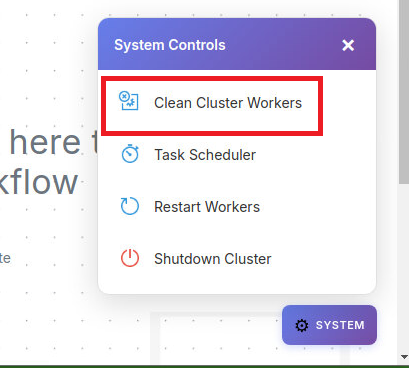
Using this tool will kill all user processes on workers which are currently powered on and will kill all currently running jobs as well.
Operations on specific nodes
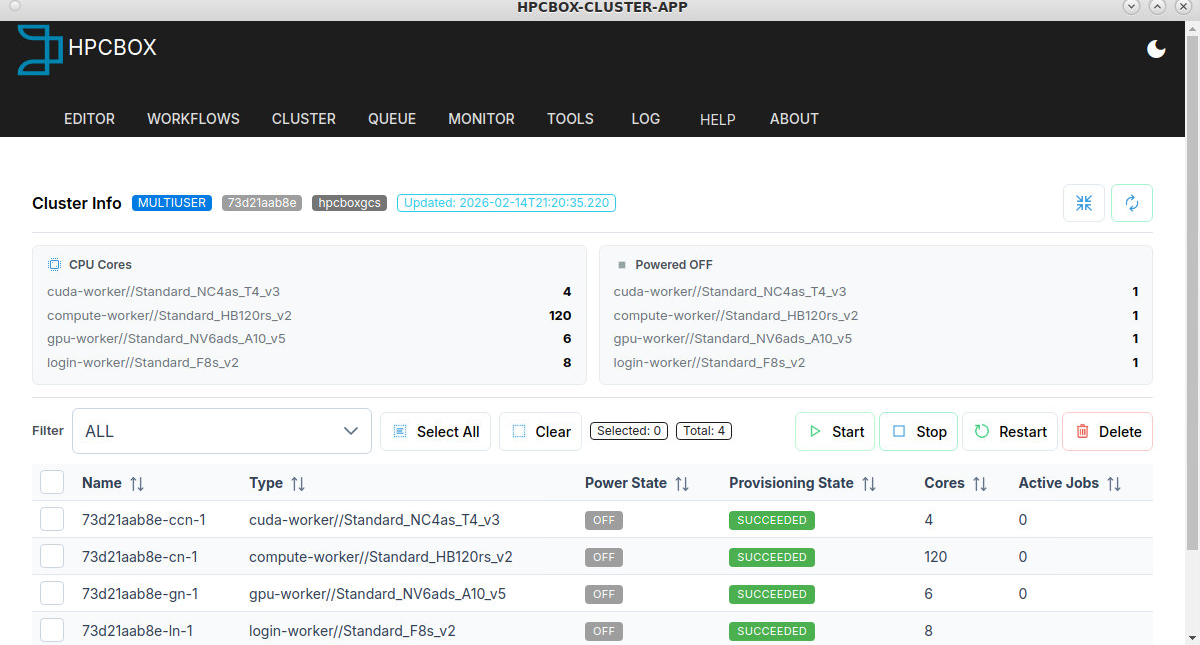
Cluster Operations like Start/Stop/Restart can be performed on specific cluster nodes using the control panel on the CLUSTER tab of ClusterApp.