ANSYS License Admin Tool
The ANSYS License Admin Tool can be used to configure and setup the ANSYS license server on your HPCBOX cluster.
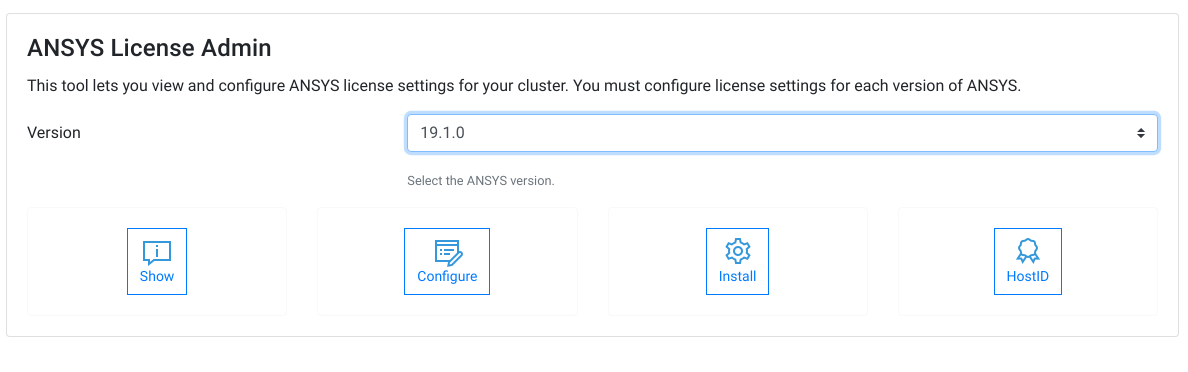
Show Configuration
The Show button can be used to display the current configuration for the ANSYS license server. Note that, you must separately configure the License Server details for every ANSYS version.

Configure
The Configure button can be used to provide details of your ANSYS license server. Note that, if you are using a license server HOST which is not accessible by its name, you must first let your cluster know about your license server HOST and this can be done using the Network Hosts Admin tool of HPCBOX.

Install
If you do not have an existing ANSYS license server to which you can point, you can configure the license server on your HPCBOX cluster and install your license file on the cluster itself.
Please either contact HPCBOX Support for assistance with installing the ANSYS License Manager, or, use ANSYS Installation Media to install the server yourself.
If you plan on setting up the ANSYS license server on the HPCBOX cluster itself, you will need to provide the HOSTID information to ANSYS. ANSYS uses this information to generate your license file. Use the HOSTID button to invoke the tool which gathers the information required by ANSYS.