HPCBOX Alerts
HPCBOX can automatically send out alerts when either the whole or part of the cluster is idle. This helps you optimize your budget and control your spend on unused resources.
The Alerts tool can be used to configure a list of email addresses which should receive an alert.
tip
Alerts are sent from [email protected] and you must make sure this mail address is allowed by your spam filter.
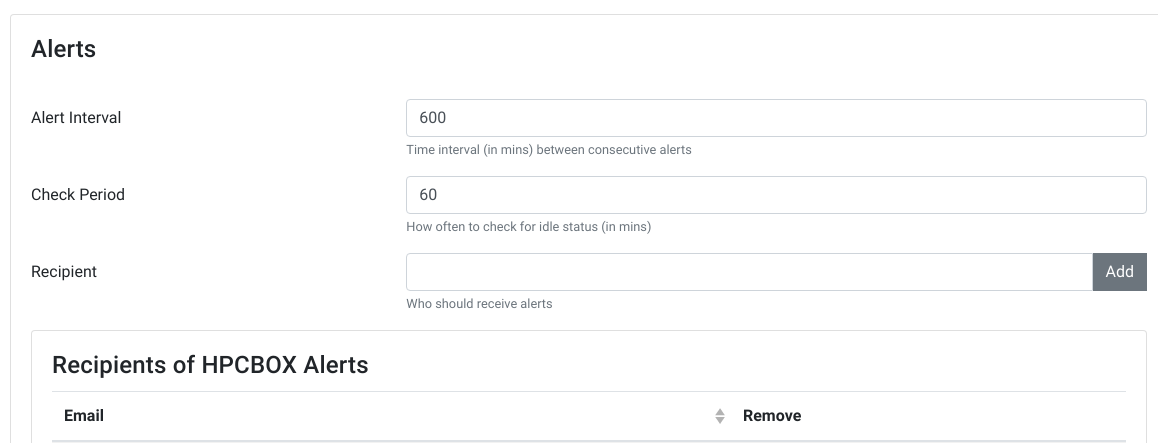
The Alerts tool can also be used to configure duration for checks and frequency of receiving alerts.
Alert Interval: Time interval (in mins) between consecutive alerts. Default is 600 mins.
Check Period: How often to check for idle status (in mins). Default is 60 mins.
info
Your HPCBOX Cluster must have been Activated to use this functionality.